Turn delivery receipts into updated product prices
SmartScan, powered by Nooko AI, reads supplier delivery receipts and helps your team create new products or update prices in CALCMENU Web and CalcMenu Cloud. Less manual entry, fewer pricing mistakes, and more reliable recipe costing.
Configured in Nooko. Connected to CALCMENU. Validated by your team.
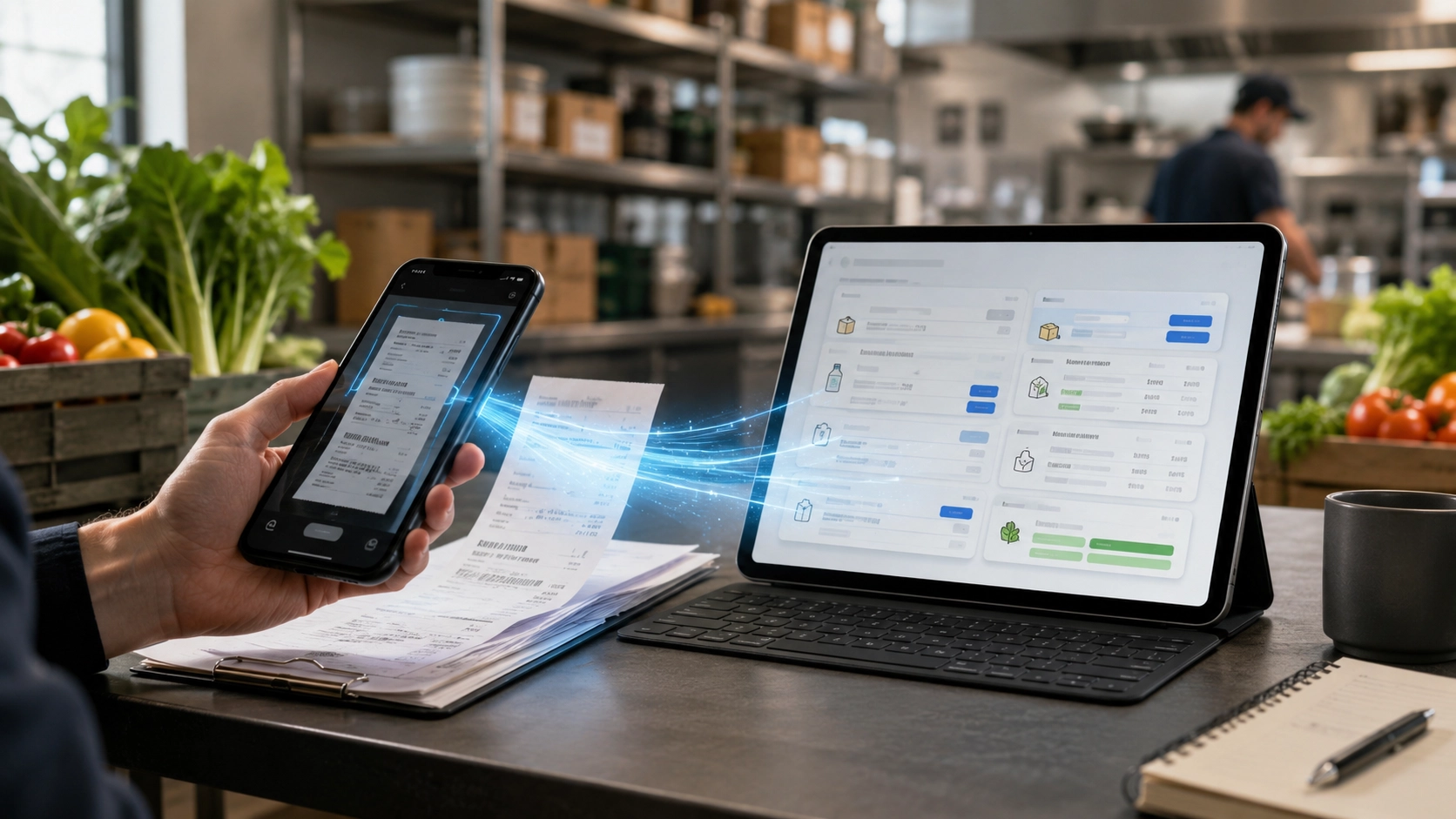
Manual price updates slow down your purchasing workflow
Every delivery receipt contains information your foodservice operation needs: supplier references, product names, quantities, units, pack sizes, and prices. When this information is typed manually, it takes time, creates room for errors, and delays accurate recipe costing.
Supplier prices change frequently
Product information arrives on paper or PDF documents
Manual entry is repetitive and error-prone
Recipe costs become outdated when product prices are not updated quickly
From scanned receipt to structured product data
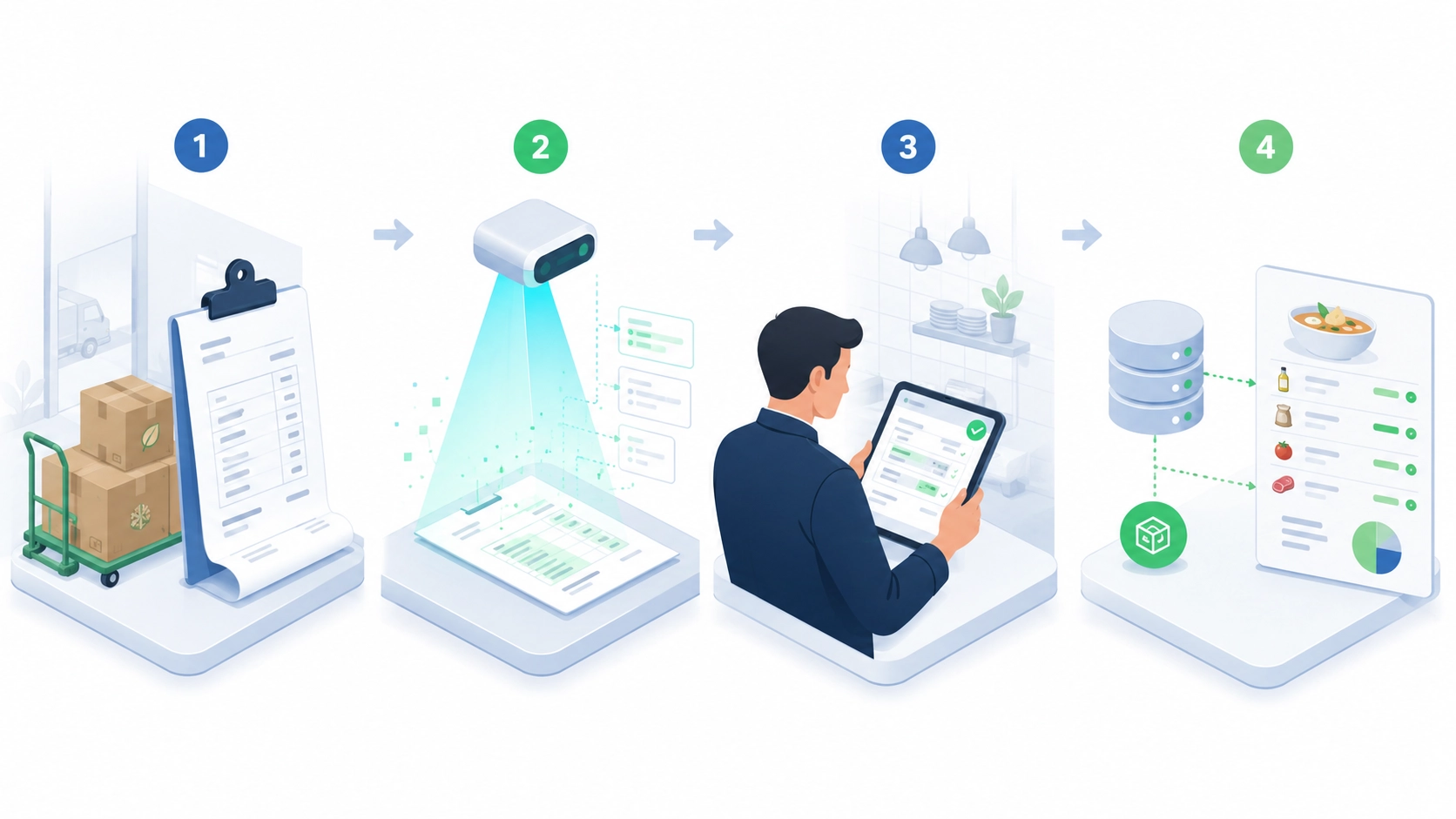
- 1
Scan or upload
Upload a supplier delivery receipt or scan it from Nooko.
- 2
Extract key information
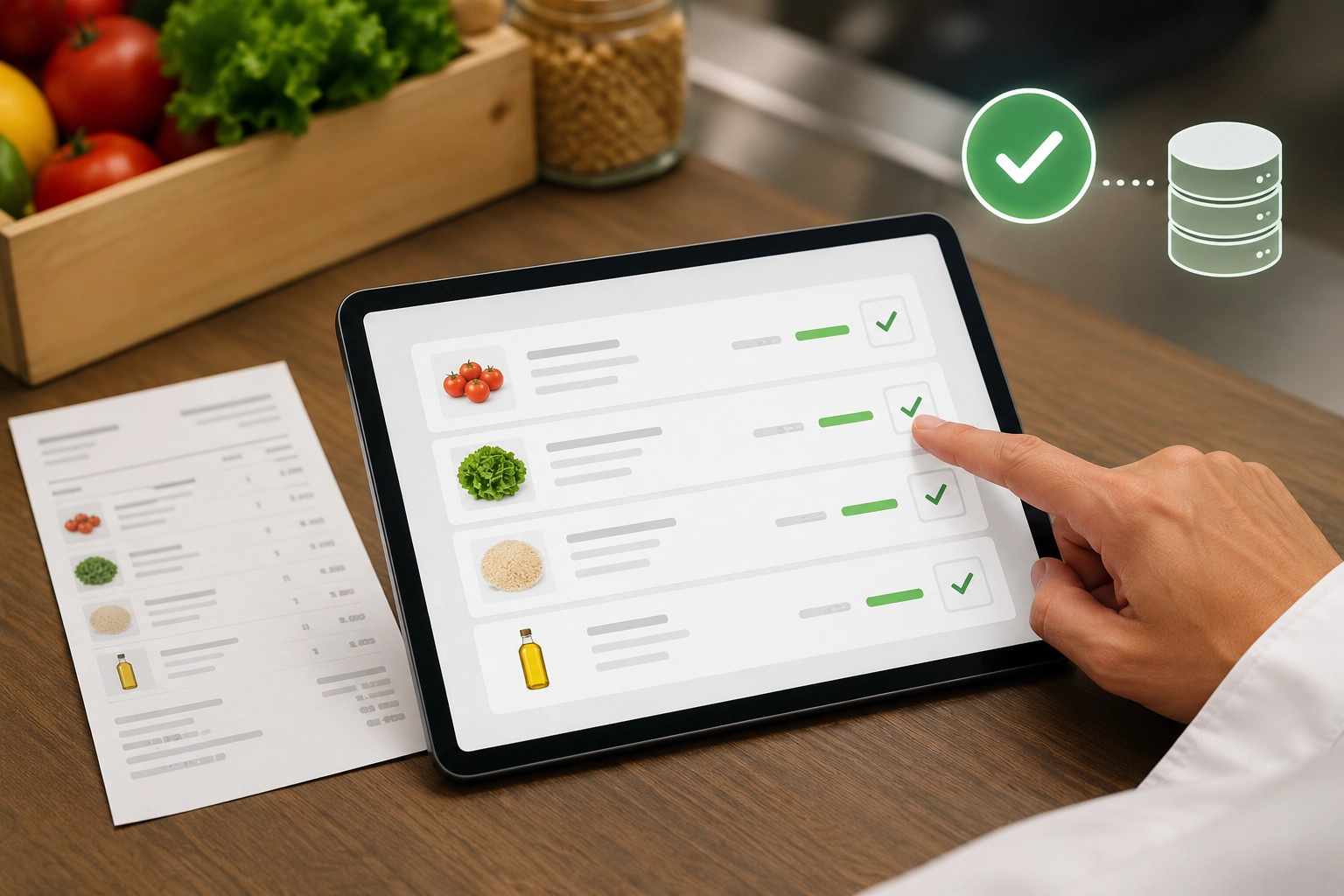
SmartScan identifies useful product and price information such as product names, quantities, units, supplier references, and prices.
- 3
Review and validate
Your team checks the extracted data, adjusts it if needed, and confirms what should be used.
- 4
Update CALCMENU
Validated data can be pushed to CALCMENU Web or CalcMenu Cloud to create products or update existing product prices.
A faster way to keep product data up to date
Save time on data entry
Reduce the repetitive work of manually typing delivery receipt data into your product database.
Reduce pricing errors
Minimize copy-paste mistakes and inconsistent product price updates.
Improve recipe costing
When ingredient prices are updated faster, recipe costs and margins become more reliable.
Create new products more easily
Use delivery receipt data as a starting point to create new product records in CALCMENU.
Keep your team in control
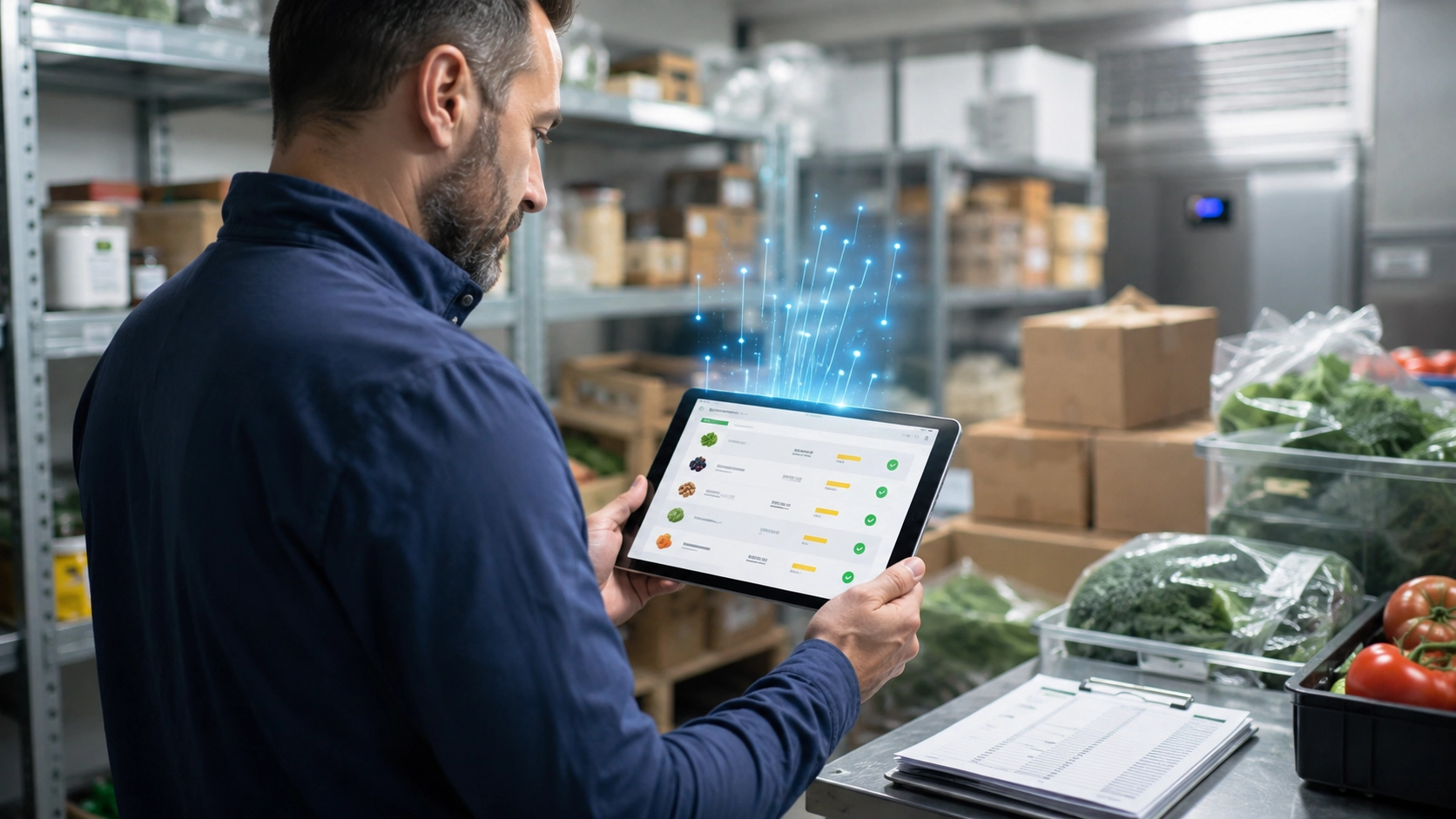
SmartScan supports your team, but your users review and validate the data before it is used.
Connect purchasing with recipes
Updated product prices help purchasing, recipe management, menu planning, and cost control stay aligned.
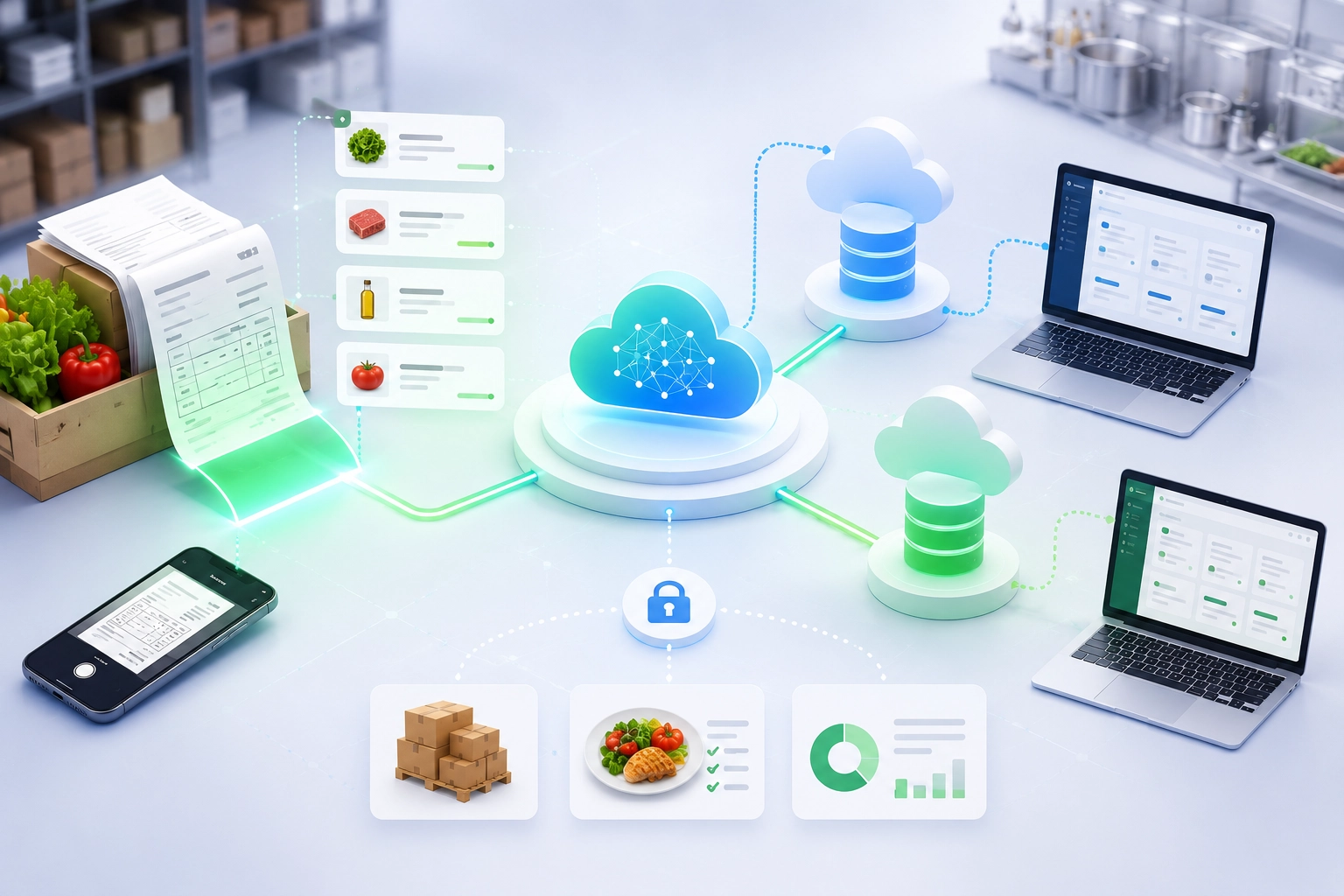
Configured in Nooko. Connected with CALCMENU.
SmartScan is part of Nooko AI. It is set up and configured in Nooko, then connected according to your CALCMENU environment. For CALCMENU Web and CalcMenu Cloud users, SmartScan can support product creation and product price updates based on validated delivery receipt data.
- Works with supplier delivery receipts
- Helps detect existing products and possible new products
- Supports price updates after user validation
- Can be configured for CALCMENU Web and CalcMenu Cloud
- Designed for professional foodservice product data
Useful for teams that manage purchasing and food cost every day
Restaurants and hotel groups
Keep supplier prices current across recipes, menus, and outlets.
Central kitchens and caterers
Speed up product administration when deliveries and supplier documents arrive daily.
Schools, hospitals, and nursing homes
Maintain reliable recipe costing for high-volume, budget-sensitive foodservice.
Food production and multi-site operations
Standardize product data updates across teams, sites, and suppliers.
AI assistance with human validation
SmartScan is designed to accelerate product data work, not remove control from your team. Extracted information should always be reviewed and validated before it updates CALCMENU. This keeps your product database reliable while reducing repetitive manual work.
SmartScan FAQ
Is SmartScan part of CALCMENU?
SmartScan is a Nooko AI feature. It is configured in Nooko and can be connected to CALCMENU Web and CalcMenu Cloud.
What documents can SmartScan process?
SmartScan is designed for supplier delivery receipts. Depending on the setup and document quality, it can help extract product and price information from similar purchasing documents.
Can SmartScan update prices automatically?
SmartScan helps extract and prepare data, but the recommended workflow is to review and validate the information before updating CALCMENU.
Can SmartScan create new products?
Yes. SmartScan can help identify product information from delivery receipts and use it as a starting point for creating new product records.
Does SmartScan work with CALCMENU Web and CalcMenu Cloud?
Yes, SmartScan can be configured to support data updates for CALCMENU Web and CalcMenu Cloud, depending on the customer setup.
How can we test SmartScan?
Contact us and we will help you review your workflow, test sample delivery receipts, and explain how SmartScan can be configured for your CALCMENU environment.
Ready to reduce manual price updates?
Send us a few example delivery receipts and let us show you how SmartScan can support your CALCMENU workflow.
Contact us about SmartScan